

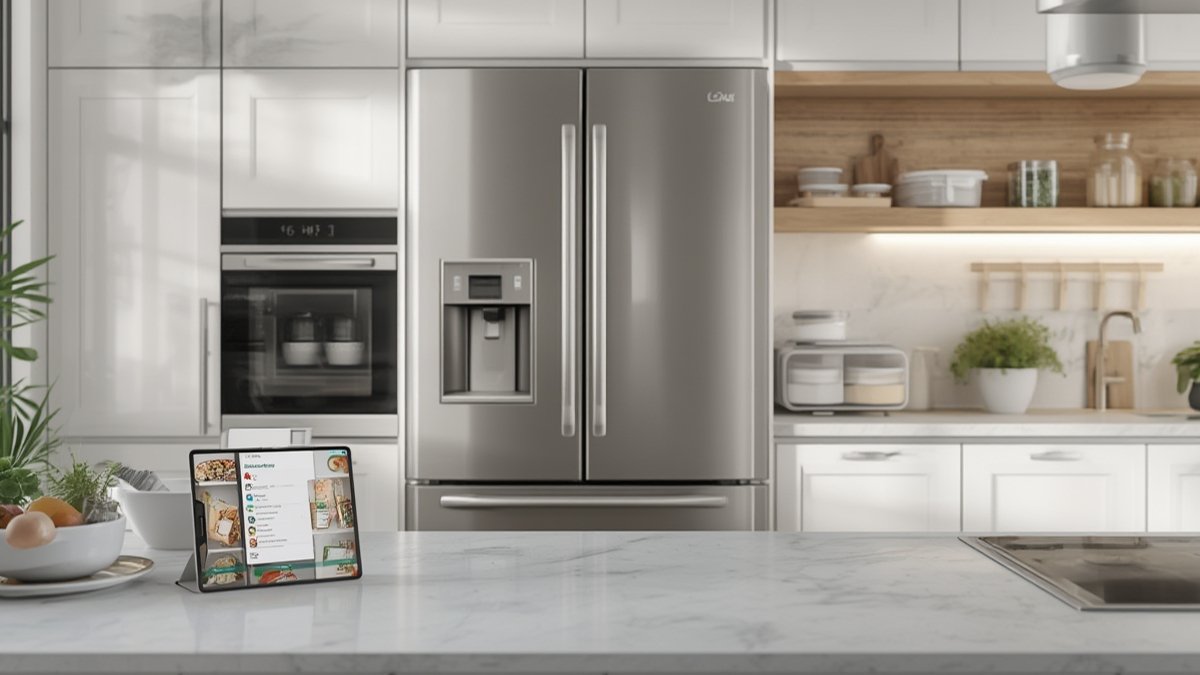
FoodView smart fridge camera technology is changing how we interact with our refrigerators, making it possible to check what is inside your fridge using an app—no matter where you are.
As an Amazon Associate, I earn from qualifying purchases.
Key Takeaways
- The FoodView smart fridge camera lets you see inside your fridge from anywhere via an app—helping reduce forgotten groceries and food waste.
- Manual item tracking and privacy concerns are real downsides with refrigerator with camera inside app technology.
- Smart fridge cameras like Miele MasterCool FoodView 2026 are accurate for visual checks but struggle with automatic grocery list recognition.
- What Is FoodView Smart Fridge Camera Technology?
- How to Use a FoodView Smart Fridge Camera: Step-by-Step
- Pitfalls, Privacy, and Real-World Issues with Smart Fridge Cameras
- Is the FoodView Smart Fridge Camera Worth It?
- FAQ: FoodView Smart Fridge Camera & Fridge Cam Apps
What Is FoodView Smart Fridge Camera Technology?
A FoodView smart fridge camera is an integrated camera system inside your refrigerator that lets you see the contents of your fridge remotely through a smartphone app. Brands like Miele MasterCool FoodView 2026 and Samsung Family Hub allow you to open an app wherever you are—at the supermarket or work—and check what you need or already have at home. This feature is designed to reduce food waste, end repeat purchases, and let you monitor your fridge when traveling.
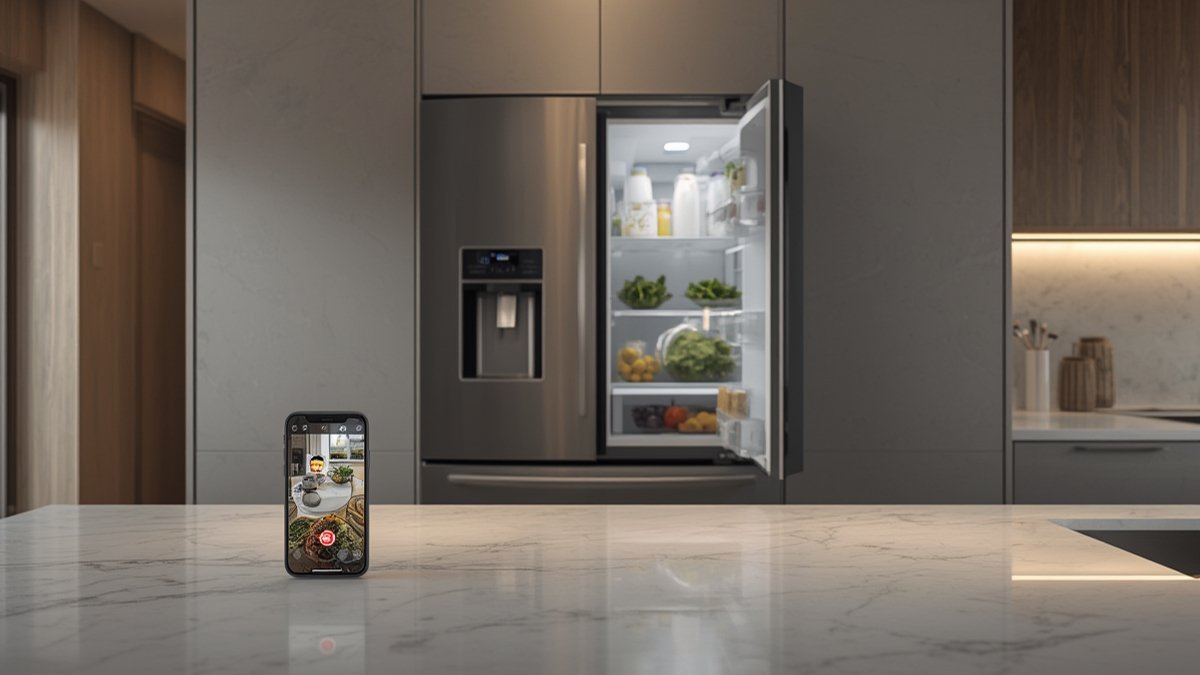
The core concept behind a refrigerator with camera inside app is convenience. When the fridge door closes, an internal camera snaps photos or streams live images to your connected device. Through the remote fridge view app, you can quickly decide what groceries to buy, check expiration dates (if manually labeled), and avoid overbuying.
Other high-end appliances, like the Miele SmartView ID oven, bring similar viewing and recognition tech into smart ovens, helping manage both chilling and cooking processes from your phone. This emerging technology is now central for modern, connected kitchens.
How to Use a FoodView Smart Fridge Camera: Step-by-Step
Setting up and using a fridge camera (such as the FoodView or Samsung’s system) is straightforward, but you need to follow these steps for best results:
- Purchase a compatible smart fridge model. Not all new fridges include a built-in camera. Look for models like Miele MasterCool FoodView 2026 or high-end Samsung and LG smart fridges with camera-enabled apps.
- Connect to Wi-Fi and register the fridge. Set your fridge up on your home network with the manufacturer’s app. This links the refrigerator interior camera to your smartphone via secure cloud services.
- Set up the refrigerator with camera inside app. Download the manufacturer’s app (e.g., Miele@home or Samsung SmartThings) on your phone. Log in and sync the fridge to make sure the camera feeds display correctly.
- Label fridge items (optional but helpful). For advanced features—like tracking expiration dates or creating a grocery list—the app may require you to manually tag each item. This is not automatic on most models in 2024.
- Check fridge contents remotely. Open the app when shopping or away from home to see live or recent images of your fridge. Tap to zoom or switch between shelves if supported.
- Update your grocery list in the app. Some systems let you manage a grocery list inside the app based on what you see is missing in your fridge. You may need to manually update as you use or restock items.
- Secure your device and data. Review privacy and security settings—some manufacturers collect fridge images or usage data. Choose encrypted options where available and perform regular app/firmware updates.
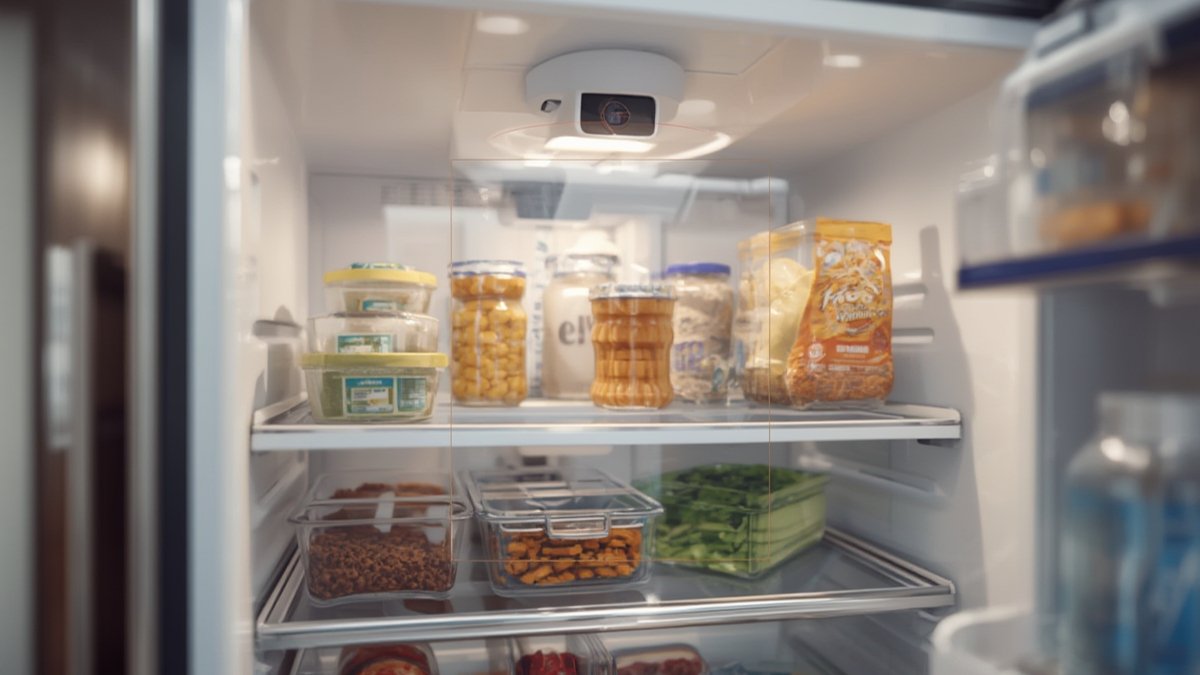
Other hacks include using the smart fridge camera to see inside while shopping—just open your phone app at the grocery store and double-check if you already have milk or eggs. Many users rely on this to avoid duplicate purchases, helping to reduce food waste over time.
For further smart kitchen inspiration, explore integrating your fridge camera data with other smart appliances, like the AI cooking oven or an under-counter ice maker for food and drink planning.
If you are new to kitchen tech, check your cookware compatibility for induction appliances using this beginner’s guide to induction cookware.
Pitfalls, Privacy, and Real-World Issues with Smart Fridge Cameras
Smart fridge cameras like the FoodView have their share of real-world problems. Below is an overview of the most important user-reported issues and limitations, based on expert video reviews and privacy concerns research.
| Issue | FoodView & Similar Models | Standard Fridge (No Camera) |
|---|---|---|
| Remote content check | Supported via app; see inside fridge from anywhere | Not possible unless physically present |
| Automatic item recognition | Not reliable; manual tagging/labelling required | N/A |
| Grocery list integration | Basic function; often manual update needed | Paper or separate phone app |
| Viewing angle/coverage | Blind spots if items block camera; not all shelves covered | Full access but only when at home |
| Privacy & data | Images and usage data sent to manufacturer servers; potential for monitoring or sharing with advertisers (detailed privacy report) | No camera, no data transmission |
| Security | Encrypts data but potentially vulnerable to hacking; firmware updates urged (see Consumer Reports) | Low risk; only general electrical issues |
| Price (2024) | Details unavailable; premium models like Miele MasterCool FoodView 2026 command much higher prices | Affordable compared to smart versions |
Common pitfalls:
- Item recognition is not automated: While the idea is seamless, in practice, most owners must manually tap and tag items with names or expiration dates. True grocery list automation is not yet standard (source).
- Limited camera angles: If a large box sits up front, the rear shelves might be invisible—meaning you cannot always spot leftovers or smaller products.
- Voice assistant integrations disappoint: Owners report that voice controls in smart fridge cameras feel slow or outdated compared to devices like Google hubs (see video review).
- Privacy concerns: Smart fridge manufacturers often collect broad usage data, including image snapshots, which may be shared with third parties. You can review privacy policies and sometimes disable network sharing for extra safety (source).
- Price gap: In 2024, there is no clear data, but a refrigerator with a camera inside app, especially Miele or Samsung’s top models, costs significantly more than a standard fridge. Check installer compatibility and warranty coverage for peace of mind.
On real-world food waste reduction, no independent studies exist to prove that the remote fridge view app reduces spoilage compared to traditional fridges. However, the ability to check contents on-the-go via the fridge camera check contents remotely feature can help organized users avoid duplicate shopping.
For connected kitchen enthusiasts, consider pairing fridge camera tech with an air fryer that syncs recipes and timers, or build out a morning coffee routine with a dedicated kitchen coffee station.
Is the FoodView Smart Fridge Camera Worth It?
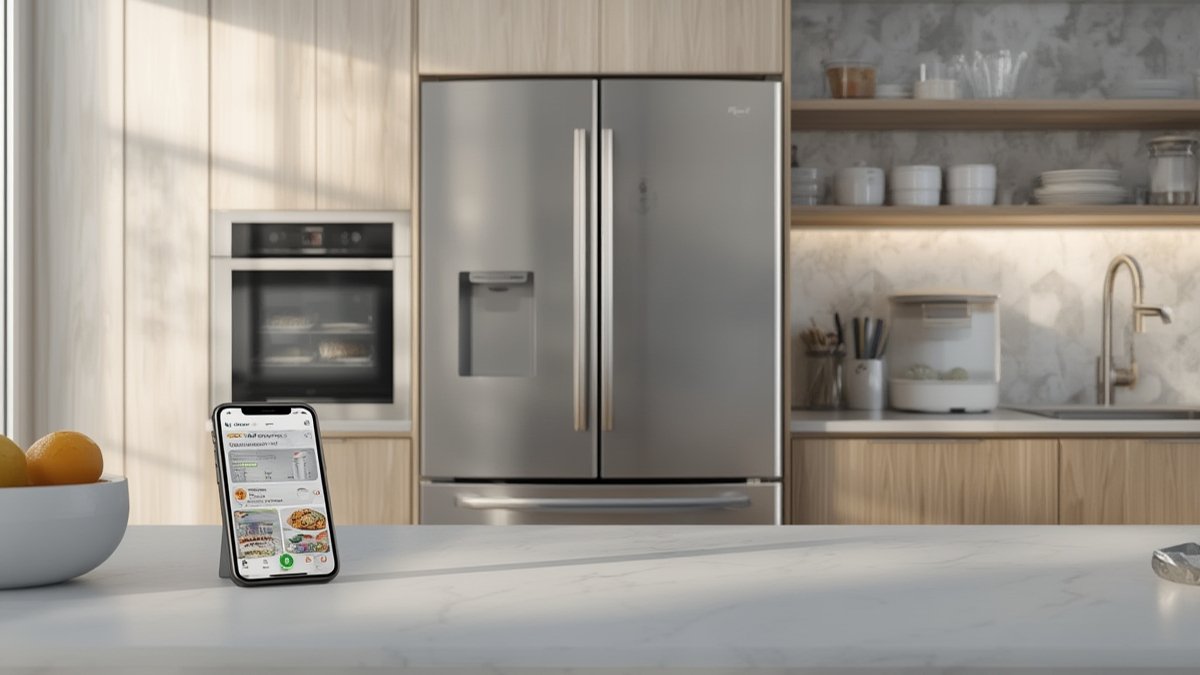
FoodView smart fridge camera systems offer new levels of convenience—letting you see what’s in your fridge from anywhere and helping minimize food waste. However, these benefits come with higher upfront costs, occasional reliability issues, and ongoing privacy considerations. If you value remote fridge access and enjoy smart home automation, a FoodView smart fridge camera is a powerful upgrade. For the best experience, actively use the app, maintain manual item tags, and regularly update security settings.
Ready to upgrade? Compare models and read our full reviews to get the most from your next smart fridge. Explore related guides on invisible induction cooktops and built-in steam ovens for a truly connected kitchen.
FAQ: FoodView Smart Fridge Camera & Fridge Cam Apps
What is a FoodView smart fridge camera and how does it differ from other fridge cameras?
The FoodView smart fridge camera is an integrated camera system in high-end fridges like the Miele MasterCool FoodView 2026. It lets you check the fridge contents remotely via a dedicated app, while some brands offer only basic camera features or none at all.
Can a refrigerator with camera inside app really help reduce food waste?
It can help organized users avoid duplicate shopping and forgetting leftovers. However, there is no published study proving that smart fridge camera features directly reduce food waste compared to traditional refrigerators.
How accurate is the fridge camera’s grocery list or item recognition?
Recognition is currently limited. Most smart fridges require you to manually label items for tracking. The remote fridge view app is best for quick visual checks, not for generating automated grocery lists.
Are smart fridge cameras secure and private?
Manufacturers encrypt data during transfer, but broad terms may allow monitoring of your fridge contents and sharing with third parties. Regular software updates and limiting network sharing can reduce risk. See this privacy report for more details.
Which brands offer the best refrigerator interior camera features and apps?
Models like the Miele MasterCool FoodView 2026 and Samsung Family Hub lead the market in app-enabled fridge cameras, with regular updates and some recipe integration. Compare features based on your need for grocery list management, remote access, and smart home compatibility.
[…] & Connect: Make sure your fridge is compatible. For the Miele MasterCool FoodView 2026, there’s a guided setup via the Miele app. Wi-Fi connection is required for real-time remote […]
[…] faucet options or built-in bottle rinsers, making them perfect partners for AI-powered ovens or smart fridge cameras that further streamline meal prep. Plan your kitchen zones so your prep sink, cooktop, and fridge […]
[…] how the HiSense option compares to other smart fridge brands featuring FoodView technology or built-in […]
[…] put items back where they belong—or when we needed a “leftovers clean-out” day. Checking the FoodView smart fridge camera review for comparison, Miele’s similar system lets you check inside remotely and is handy if […]